Difference between revisions of "Scenario - Auction with Custom Offer closed"
From BuddyBid wiki
| Line 1: | Line 1: | ||
{| | {| | ||
| − | [[File:custom offer.png|right|border]] | + | [[File:custom offer.png|650px|link=|right|border]] |
|} | |} | ||
{| class="wikitable" style="text-align: center;" | {| class="wikitable" style="text-align: center;" | ||
Revision as of 02:01, 31 March 2017
| Case# | Listing | Event | Email to Buyer | Email to Seller |
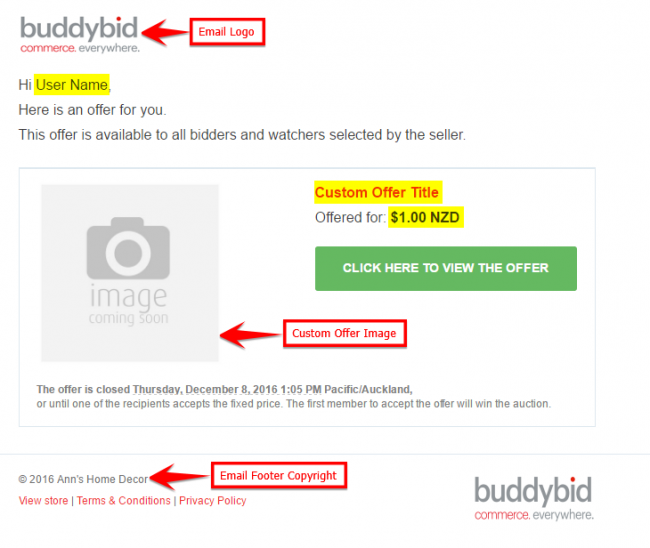
| 6 | Auction with Custom Offer | Auction Closed | All under Bidders will receive Custom offer email | - |
| Editing Option - |
| Owner can change Email Logo and Email Footer Copyright under STORE -> Store Settings -> Branding Details. |
| Buyer Email - |
| -All under bidders will receive a Buy Now offer as a complementary offer. |
| -Under bidders will receive email with subject – ‘Custom Offer for "xxxxxx"’, with a LIMITED time Buy Now offer. |
| -Buyer can open Custom Offer by clicking on CLICK HERE TO VIEW OFFER button in email. |
| NOTE: This is only way to view the Custom Offer. |
